Professional Icons: The Versatile Tool for Modern Design Needs
Whether you're building a website, crafting a presentation, or designing a mobile app, visuals play a crucial role in how your audience perceives your work. Icons are one of the most effective tools for communicating ideas quickly and clearly. The Professional Icons collection offers a set of high-quality, scalable vector graphics that fit seamlessly into a wide range of digital and print projects.
What Makes Professional Icons Stand Out?
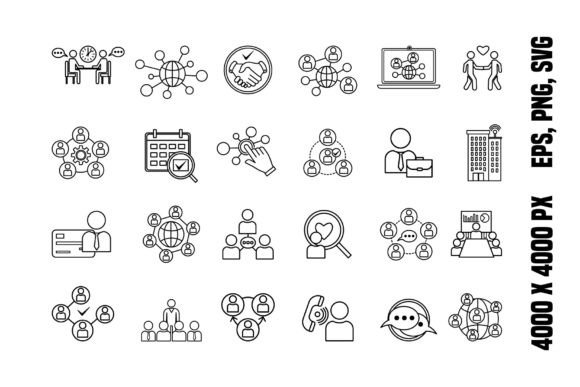
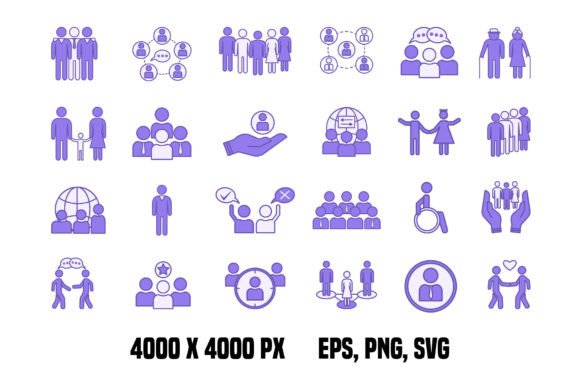
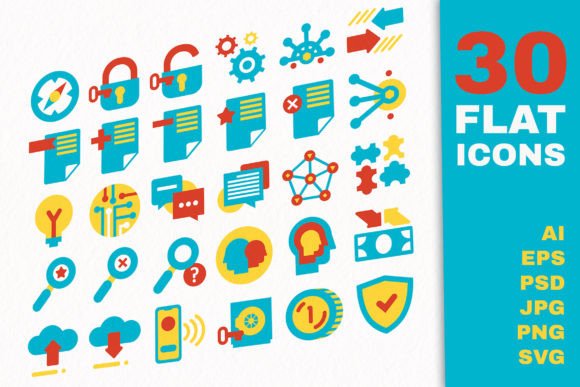
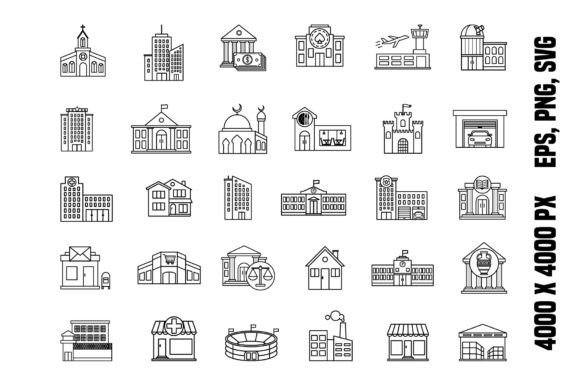
Unlike generic icons you might find scattered across the web, Professional Icons are designed with intention and precision. Each icon is available in multiple formats—EPS, PNG, and SVG—making them compatible with design software from Adobe Illustrator to Figma and beyond. With a resolution of 300 dpi and dimensions up to 4000 x 4000 pixels, these icons maintain clarity at any size, whether you're using them on a smartphone screen or a large poster.
What truly sets them apart is their adaptability. These icons are not just images; they’re flexible design elements that can be recolored, resized, and layered to match your brand’s tone and style.
When and Where to Use Professional Icons
Icons are more than decorative elements. They serve practical functions across many platforms and industries. Here are some real-world situations where Professional Icons can make a meaningful difference:
- Website design: Use them to label navigation menus, highlight features, or break up text-heavy sections. For example, a blog about digital marketing might use a globe icon to represent international reach or a chart icon for analytics.
- Mobile app interfaces: App developers often rely on icons to guide users intuitively through an interface. A finance app might use a money bag or calculator icon to represent a budgeting tool.
- Educational materials: Teachers and trainers can use icons in slides or handouts to represent different learning modules. A lightbulb icon could symbolize a key idea, while a book icon might indicate a reading assignment.
- Marketing collateral: From social media graphics to email newsletters, icons help draw attention to key messages. A small business promoting a sale might use a shopping cart icon to reinforce the offer.
- Print design: These icons are just as useful in physical formats. Brochures, flyers, and packaging can all benefit from clean, high-resolution graphics that communicate instantly.
Who Benefits Most from Using These Icons?
While anyone can appreciate a well-designed icon, certain users will find Professional Icons especially valuable:
- Web designers: Whether you're building a portfolio site or a landing page, icons help create a clean visual hierarchy. The vector format ensures your designs stay sharp across devices.
- Freelancers: If you're creating deliverables for clients—like reports, presentations, or branding materials—icons add a professional polish without requiring custom illustration.
- Content creators: Bloggers, YouTubers, and social media managers can use icons in thumbnails, headers, and infographics to make their content more engaging.
- Small business owners: From signage to invoices, small businesses can use icons to build a consistent visual identity without hiring a full-time designer.
- Educators: Clear visuals help learners absorb information faster. Icons can be used in digital lessons, handouts, or classroom signage to make materials more intuitive.
Real Scenarios Where Professional Icons Shine
Let’s take a closer look at how these icons perform in everyday situations:
Scenario 1: A freelance graphic designer is creating a website for a wellness coach. They use a heart icon to label the “About” section and a mountain icon for the “Services” page. These visual cues help visitors navigate the site more easily, improving the user experience.
Scenario 2: A teacher is preparing a PowerPoint presentation on climate change. She uses icons like a melting glacier and a wind turbine to illustrate key points. These visuals make the content more engaging and easier to understand.
Scenario 3: A startup is launching a new productivity app. The development team uses icons from the Professional Icons set to label features like calendar, notifications, and settings. The result is a clean, intuitive interface that users can navigate without confusion.
Things to Consider Before Using Professional Icons
While these icons are highly versatile, there are a few things to keep in mind before incorporating them into your work:
- Consistency: Make sure the style of the icons matches the overall design of your project. Mixing too many different icon styles can create a cluttered look.
- Color coordination: The icons are easy to recolor, but it’s important to choose colors that align with your brand palette. Too many conflicting hues can distract from your message.
- Usage rights: Always verify the licensing terms. The Professional Icons ZIP file includes transparent image files and vector elements, but it’s good practice to check whether they can be used commercially or modified for resale.
- File format: Depending on your design software, you may prefer working with SVG for scalability or PNG for quick placement. Knowing which format works best for your project can save time during the design process.
How to Get the Most Out of Professional Icons
To truly benefit from these icons, think beyond just placing them on a page. Consider how they can enhance your storytelling, guide user interaction, or reinforce your brand identity. For example, a digital marketing agency might use a consistent set of icons across all client reports to build visual recognition. A blogger might create a custom icon set for recurring content categories, making it easier for readers to scan and explore.
Also, don’t be afraid to layer or combine icons with text or other graphics. The vector format allows for easy customization, so you can tweak colors, add shadows, or animate them for digital use.
Final Thoughts
In today’s fast-paced digital world, clarity and efficiency matter. Professional Icons provide a reliable, high-quality solution for anyone looking to enhance their visual communication. Whether you're a designer, educator, entrepreneur, or hobbyist, these icons can help you present ideas more clearly, build better user experiences, and elevate the look of your projects—all while saving time and effort.